
Account and Security
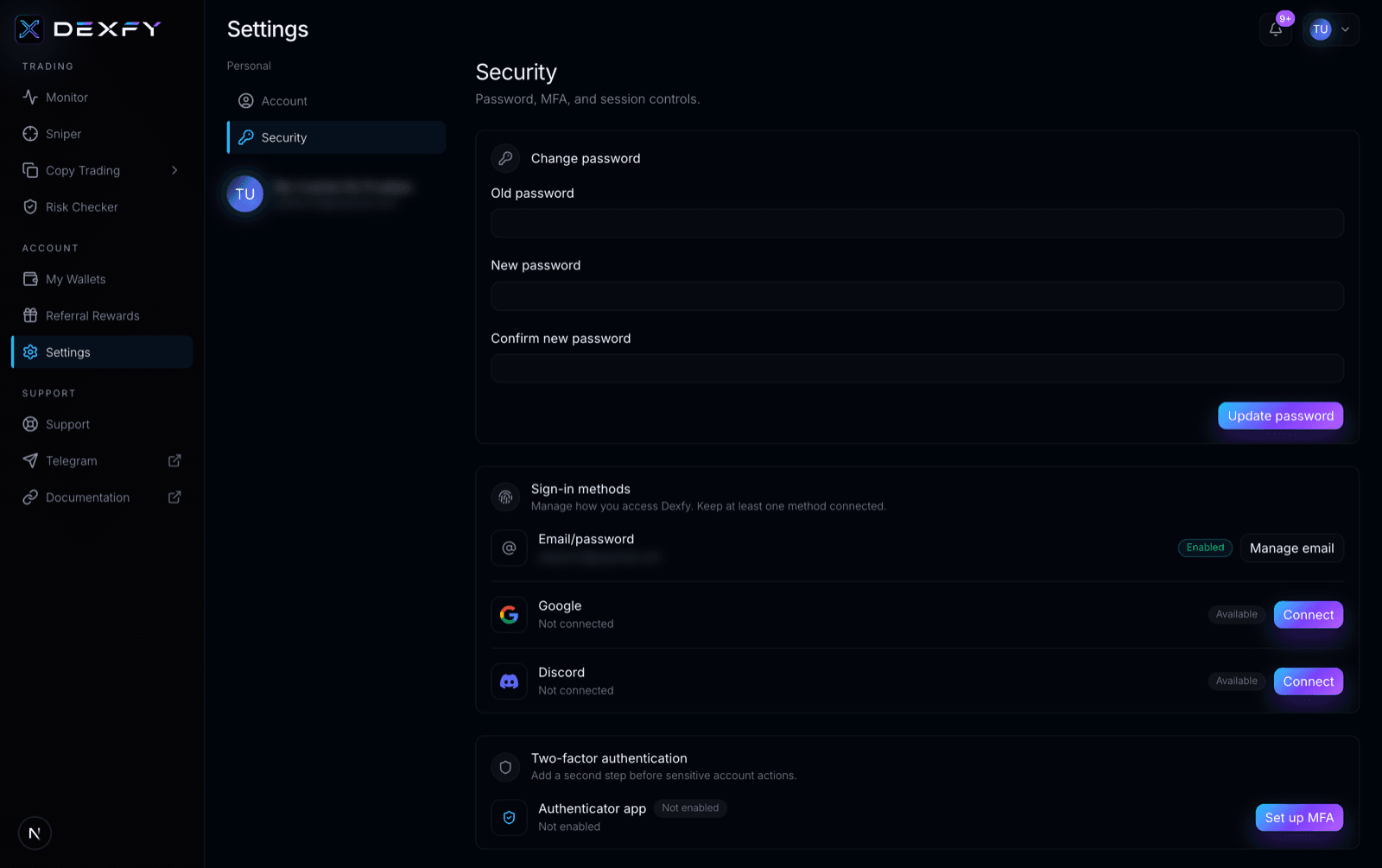
Security settings
Use Dexfy account security controls for password, MFA, sessions, and sensitive actions.
Open Settings and choose Security to manage account-level protection. Dexfy includes password, MFA, and active-session controls in the dashboard.
Sensitive actions
Some actions can require a fresh MFA step-up when MFA is enabled. Examples include password updates, disabling MFA, signing out other sessions, deleting an account, transferring funds, exporting a private key, or removing a wallet.
Enable MFA before using wallet transfers or storing significant wallet value in any Dexfy workflow.