
Getting Started
Dashboard tour
Map Dexfy navigation to the workflows it controls.
The dashboard is organized around execution workflows rather than generic account pages.
Main sections
| Area | Use it for |
|---|---|
| My Wallets | Create, import, inspect, fund, and transfer Dexfy wallets. |
| Sniper | Configure a token entry, route, protection settings, gas behavior, and exits. |
| Risk Checker | Run token risk probes before trading. |
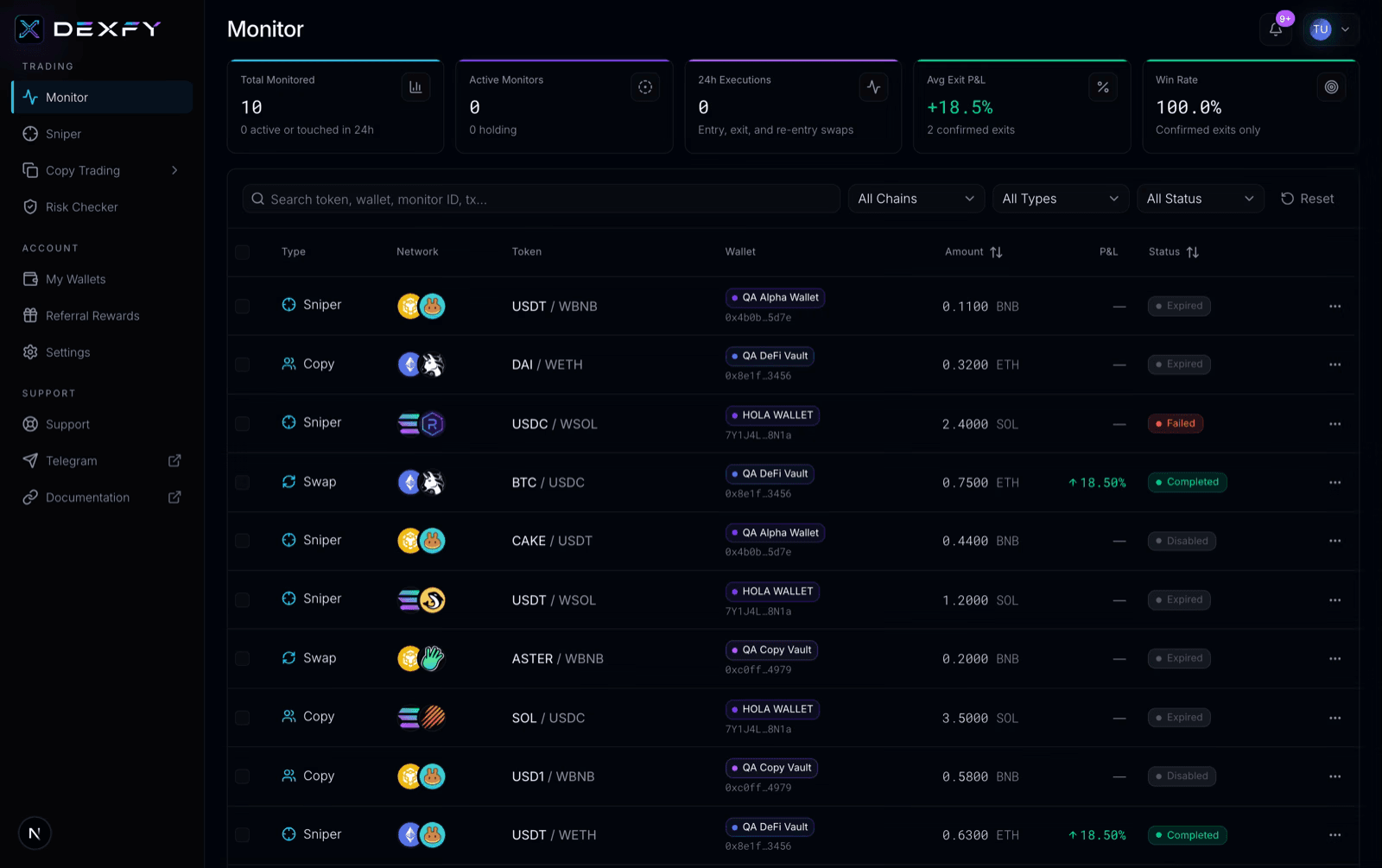
| Monitor | Review live and historical trade activity. |
| Copy Trading | Configure source wallets and destination wallets. |
| Referrals | View referral link and rewards. |
| Settings | Review account and security controls. |
| Support | Create and manage support tickets. |
Good operating rhythm
Run token risk checks before creating an automation, start with smaller amounts, and monitor the trade after execution instead of assuming an automation completed perfectly.